
Performance Shop Management Software
You do the most skilled work in the industry. You should be making the most per hour — not the least.
A performance or race build runs through more of your business than any other kind of work. It starts as a lead who found you online, becomes a quote for work most shops can't price, runs on parts you have to source at exactly the right cost, and ends with a bill that has to be precise and books that have to balance. MSA was built by people who've run this shop — to handle every step of that path. Here's how it works, front to back.
My Shop Assist at a glance
Performance shop software is shop management built for work that doesn't fit a same-day repair order: staged builds, engine and drivetrain work, tuning, and fabrication jobs that sit in the bay for weeks or months. My Shop Assist was built by people who ran a performance shop, to track that work from the first lead to the final invoice.
Price: $199/month or $1,999/year. Free 30-day trial, no credit card, no contract. See pricing.
Included in every plan:
- Unlimited users, customers and jobs
- Progress billing for long builds, manual or automatic, so you get paid as the work happens
- Groups and packages for one-click staged-build quotes
- Live pricing and ordering from Turn14 and your connected suppliers, inside the job
- Parts inventory, purchase orders and drop-ship
- Labor time tracking, efficiency reports and an effective hourly rate
- Two-way text messaging and a customer portal for status and photos
- Card payments through 360 Payments: in person, virtual terminal, text-to-pay
- QuickBooks Online, QuickBooks Desktop and Xero export
- Shopify integration and website lead forms that drop straight into an estimate
- iPhone and iPad app
Optional add-on: MOTOR labor times and OE parts for general repair, $200/month.
1. Bring the work in
Performance customers find you online and reach out at all hours. Two tools make sure none of those leads slip through the cracks.
- A Jotform form on your website or Shopify store drops every submission straight into MSA as a new customer and estimate — pre-filled with exactly the fields you asked for: name, vehicle, VIN, and the work they're after. No retyping, no lost leads.
- Built-in text messaging keeps the whole conversation in one place. Send quotes, photos, and authorization requests; the customer can text back or call the same number, forwarded to your shop phone. A customer portal lets them check status on their own instead of tying up your day.
By the time you pick up the phone, that lead is already a record in your system.
2. Quote the work nobody else can price
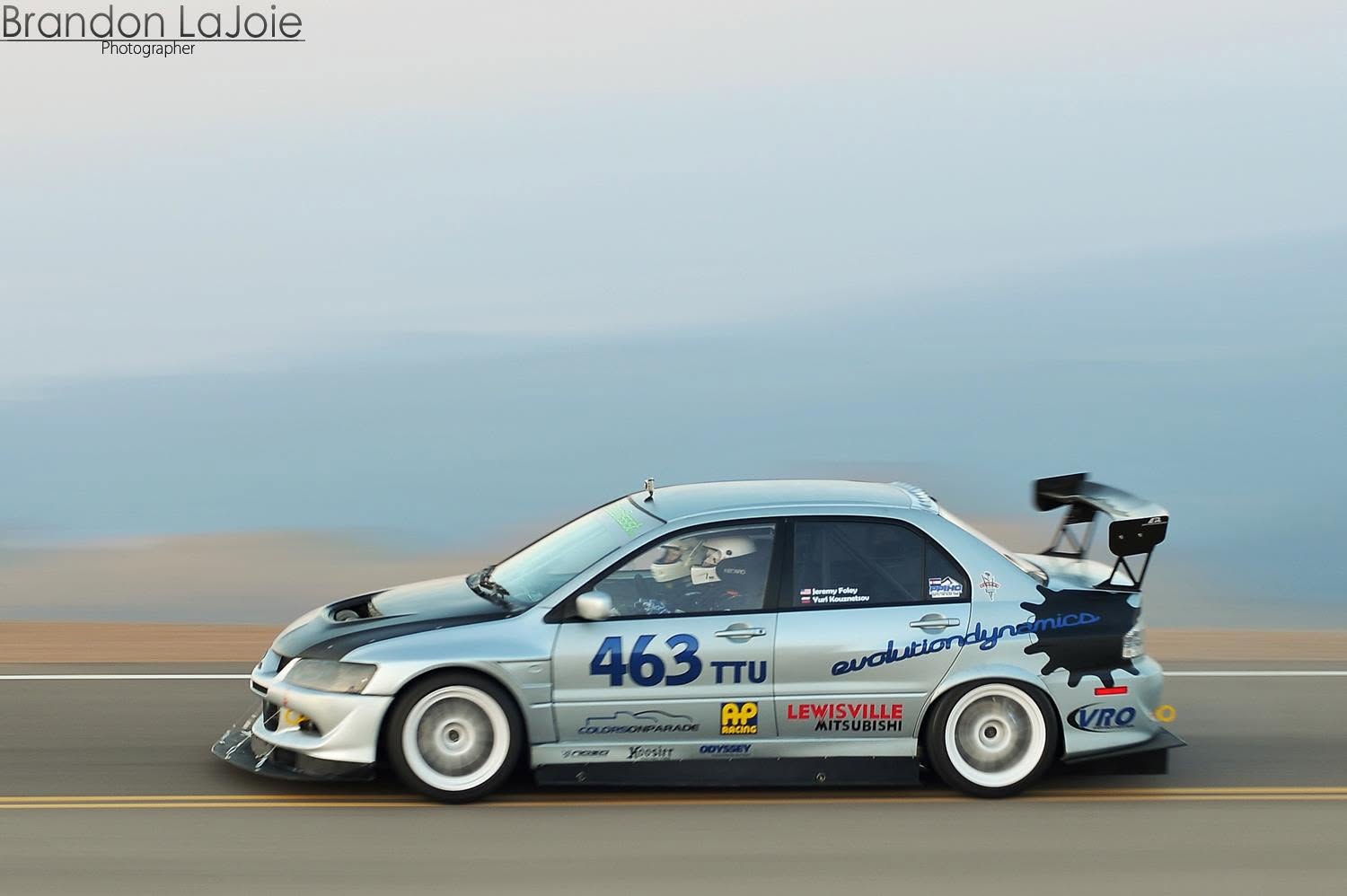
Staged builds are the hardest thing in the shop to estimate — and the easiest place to leave money on the table. Groups and packages turn that into a one-click job.
- Bundle the parts and labor for the combos you build over and over — a staged heads-and-cams package for a platform, a bolt-on power package, a track-prep service — and drop the whole thing onto a job in a single click.
- Control exactly what the customer sees: keep your part pricing private while still listing every part going on the car, or roll it all into one flat package price.
- However you present it, the package still runs through inventory, so stock counts and reordering stay accurate.
The quote that used to mean an hour of digging through old invoices takes one click — and it's right every time.

3. Source and order parts at today's real cost
Once the customer says go, your margin depends on the price you quoted being the price you actually pay.
- Turn14 and your other connected suppliers keep live pricing and availability right inside the job, so you're always working from today's cost — not a number someone typed into a spreadsheet six months ago.
- When the job's confirmed, turn those parts into a purchase order in a couple of clicks — or drop-ship straight to the customer for the parts you don't stock.
Live cost of goods is the difference between a build that makes money and one that just looks busy.
4. Know your hourly rate and your shop's productivity
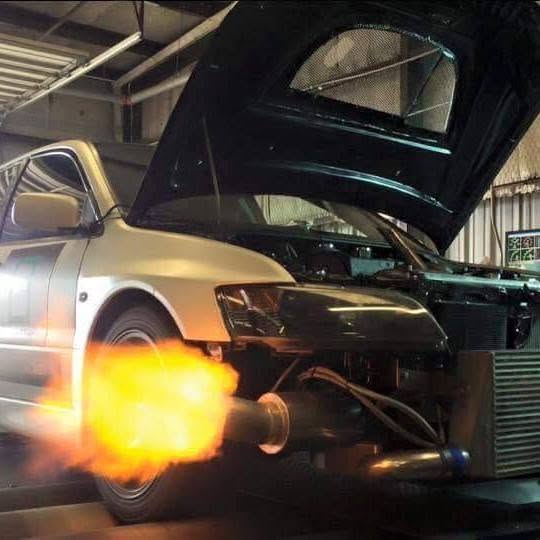
Here's the truth most performance shops never get to see: you're doing more skilled work than the general-repair shop down the street, and often making less per hour for it. The only way out is knowing your real numbers while the work is happening — not finding out at tax time.
- MSA captures actual labor time on every job, so you can measure your shop's efficiency and see exactly where unbilled hours are disappearing.
- That data feeds an honest, effective hourly rate built on what your shop actually costs to run — not a number you picked out of the air.
We built a whole episode around this exact problem — “You're Working Harder for Less Money. Here's Why.” If you run a performance shop, it's the most important forty minutes you'll spend this year.

5. Get paid, and keep the books straight
The build's done. Closing it out should be the easy part.
- Take payment right inside MSA with integrated 360 Payments — in-person swipe, virtual terminal, or text-to-pay and email-to-pay links. Every payment attaches itself to the job automatically.
- Export the finished invoice to QuickBooks, Online or Desktop, with parts, labor, and tax mapped correctly — so your books stay accurate without a second round of data entry.
This isn't general-repair software with a performance coat of paint. It was built by people who ran a performance shop, around the way performance shops actually make money — every step from first contact to final invoice.
Questions performance shop owners ask
What does My Shop Assist cost?
$199 a month or $1,999 a year, with every core feature included and unlimited users. There's no contract. Start with a free 30-day trial, no credit card needed. MOTOR labor times are an optional $200/month add-on.
Can it handle a build that's in the shop for weeks or months?
Yes. That's what it was built for. Labor and parts build up against one job, and progress billing lets you invoice the customer for work done so far by date range. You can also turn on automatic progress billing so the invoices go out on schedule without anyone remembering to send them.
How do I quote a staged build without leaving money on the table?
Save the parts and labor for the builds you do over and over as a group or package, like a heads-and-cams package or track prep. Then drop the whole thing onto a job in one click. You choose whether the customer sees every part price or one package price.
Can I order performance parts without leaving the job?
Yes. Turn14 and your other connected suppliers show live pricing and availability inside the job. When the customer approves, turn those parts into a purchase order in a couple of clicks, or drop-ship them to the customer.
Does it work with QuickBooks?
Yes. Finished invoices export to QuickBooks Online or QuickBooks Desktop, with parts, labor and tax mapped to the right accounts. Xero is supported too.
We do regular maintenance and repair work as well. Does that fit?
Yes. Quick jobs run through the same system as your builds. Add the MOTOR add-on and you get factory labor times and OE part numbers for general repair, priced at your labor rate.
How do customers stay updated on a long build?
Text them from inside MSA, including photos, quotes and authorization requests. They can reply or call the same number. A customer portal lets them check the job's status themselves, without calling the shop.
How hard is it to switch?
The free trial includes setup help: remote training, adding your users, importing your data and connecting QuickBooks.